CHROME NEW TAB GUIDE
How to turn Chrome's New Tab page into a personal desktop.
Chrome's default New Tab page gives you search and a small set of shortcuts. Deskpot keeps that speed, then adds the organization and useful tools of a desktop.
Add Deskpot to Chrome · Free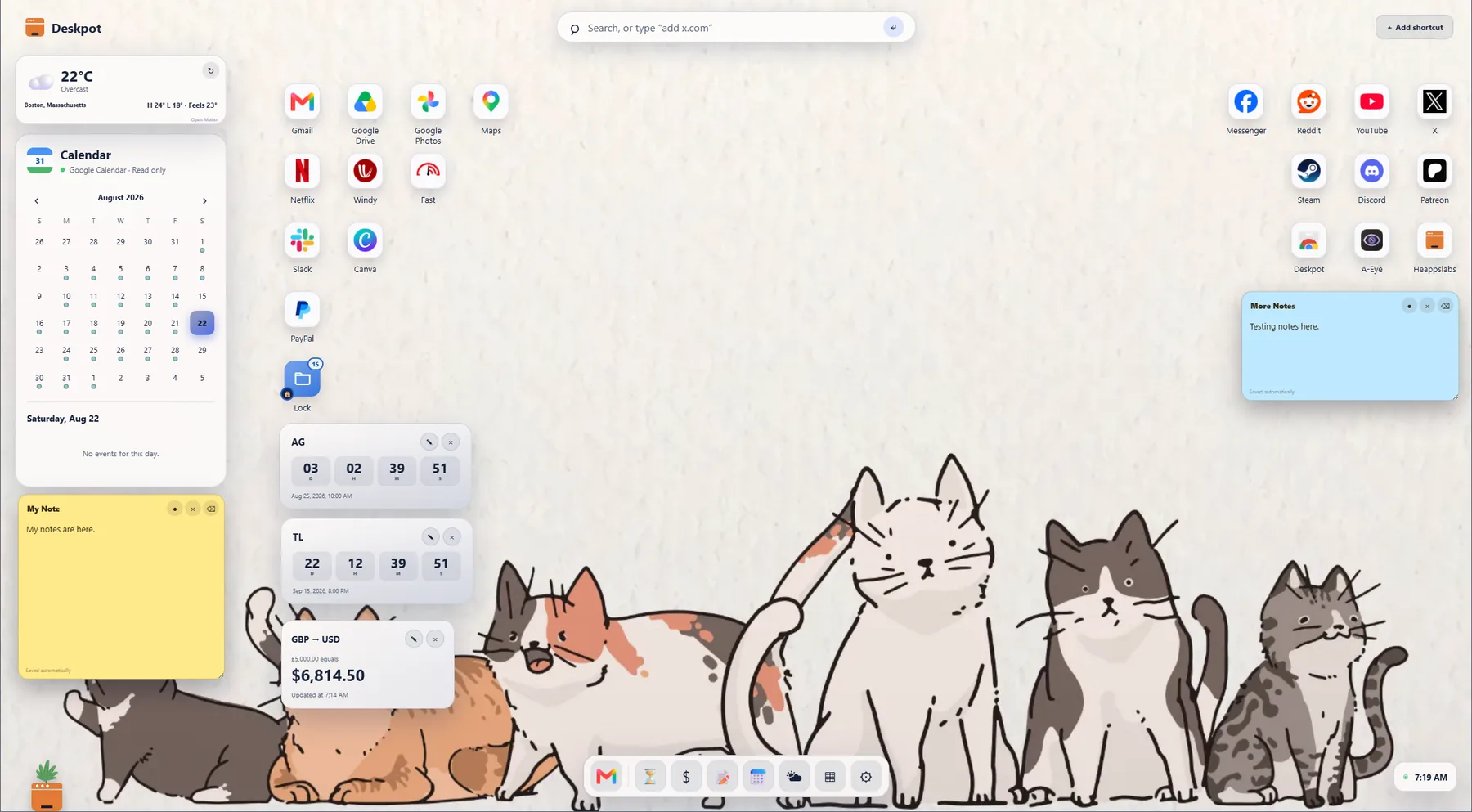
1. Install Deskpot
Add Deskpot from the Chrome Web Store. The next new tab you open becomes your Deskpot. No Deskpot account is required.
2. Add the sites you open every day
Create visual shortcuts for email, work tools, music, study resources, or anything else you use regularly. Move them around the screen like desktop icons.
3. Group related shortcuts into folders
Keep work, school, entertainment, or project links together. Folders open as small desktop spaces, so a large collection stays easy to scan.
4. Add the daily context you need
Use Deskpot's Chrome New Tab widgets for calendar, weather, countdowns, currency conversion, and sticky notes. Move them where they fit your layout.
See the Chrome New Tab widget guide →5. Make it yours
Choose a light, dark, or custom look, arrange the Quick Access Dock, and let the living plant add a little personality. The result is a customizable new tab that feels familiar every time Chrome opens.