
18°San Francisco · Clear
A CHROME SPEED DIAL ALTERNATIVE
A Chrome speed dial alternative that works like a desktop.
Deskpot gives you the one-click access of a Chrome speed dial, then adds folders, movable widgets, a dock, notes, calendar, weather, countdowns, and wallpapers in a personal desktop-style new tab.
Add to ChromeSEE THE DIFFERENCE
Open the sites you use every day.
Create shortcuts, group them into folders, use site-matched Chrome bookmarks, and pin important destinations to your dock.
Arrange things where they make sense.
Move icons around, open folders as separate spaces, drag shortcuts back out, and shape a new tab that feels familiar from the first click.
Keep more than links within reach.
See weather, calendar events, countdowns, currency conversion, and notes without turning your new tab into a complicated dashboard.
Explore Deskpot's Chrome new tab widgets →REAL DESKPOT SETUPS
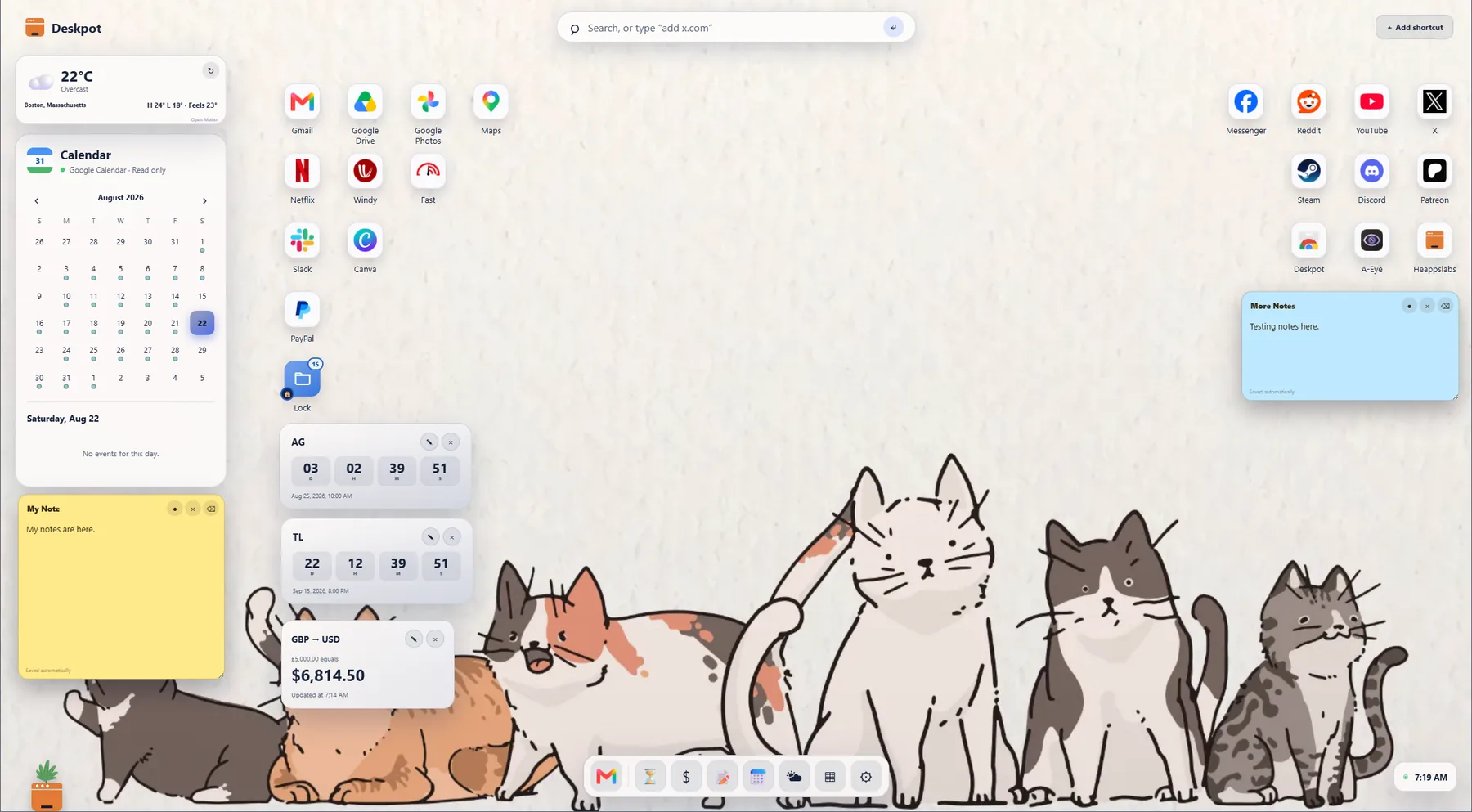
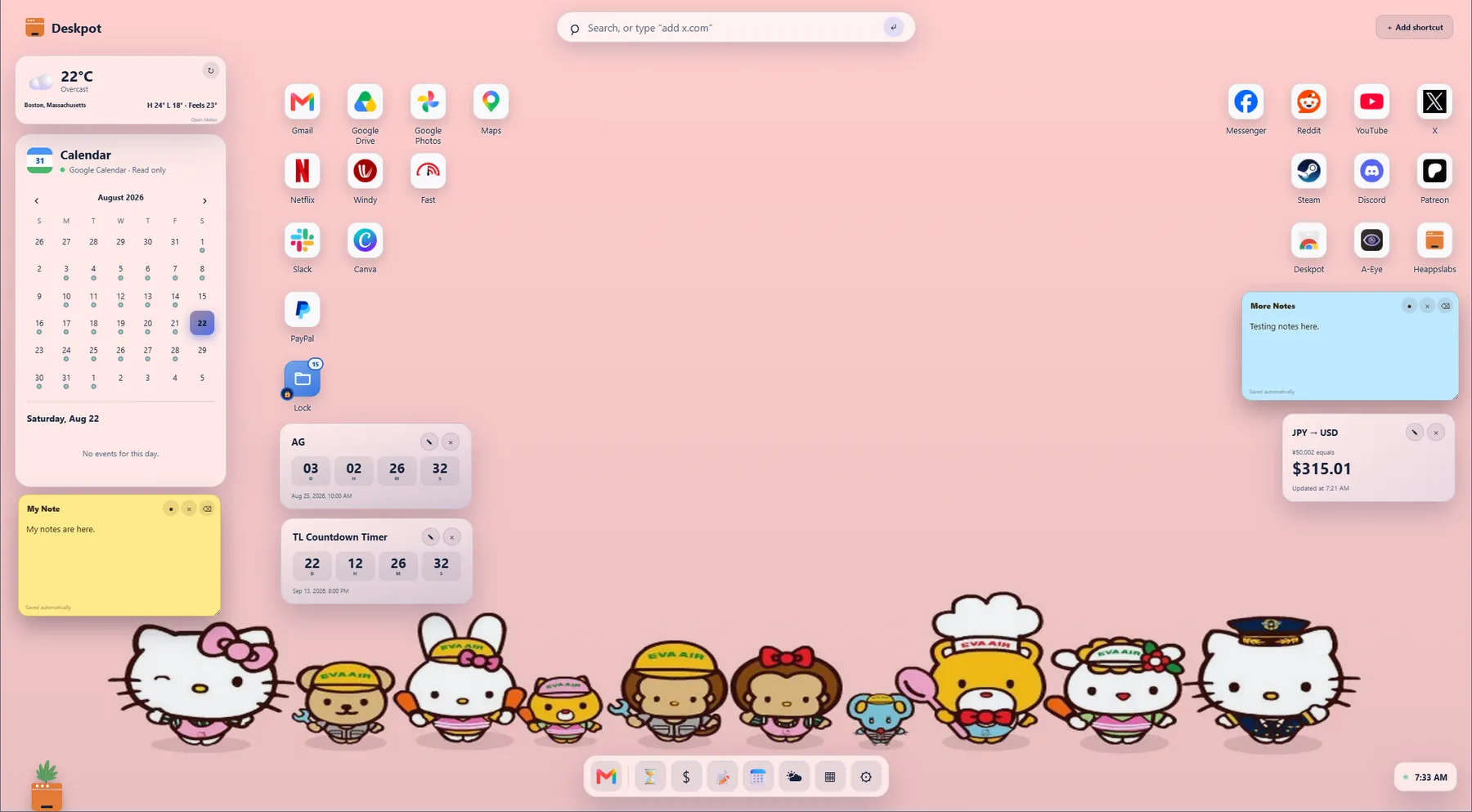
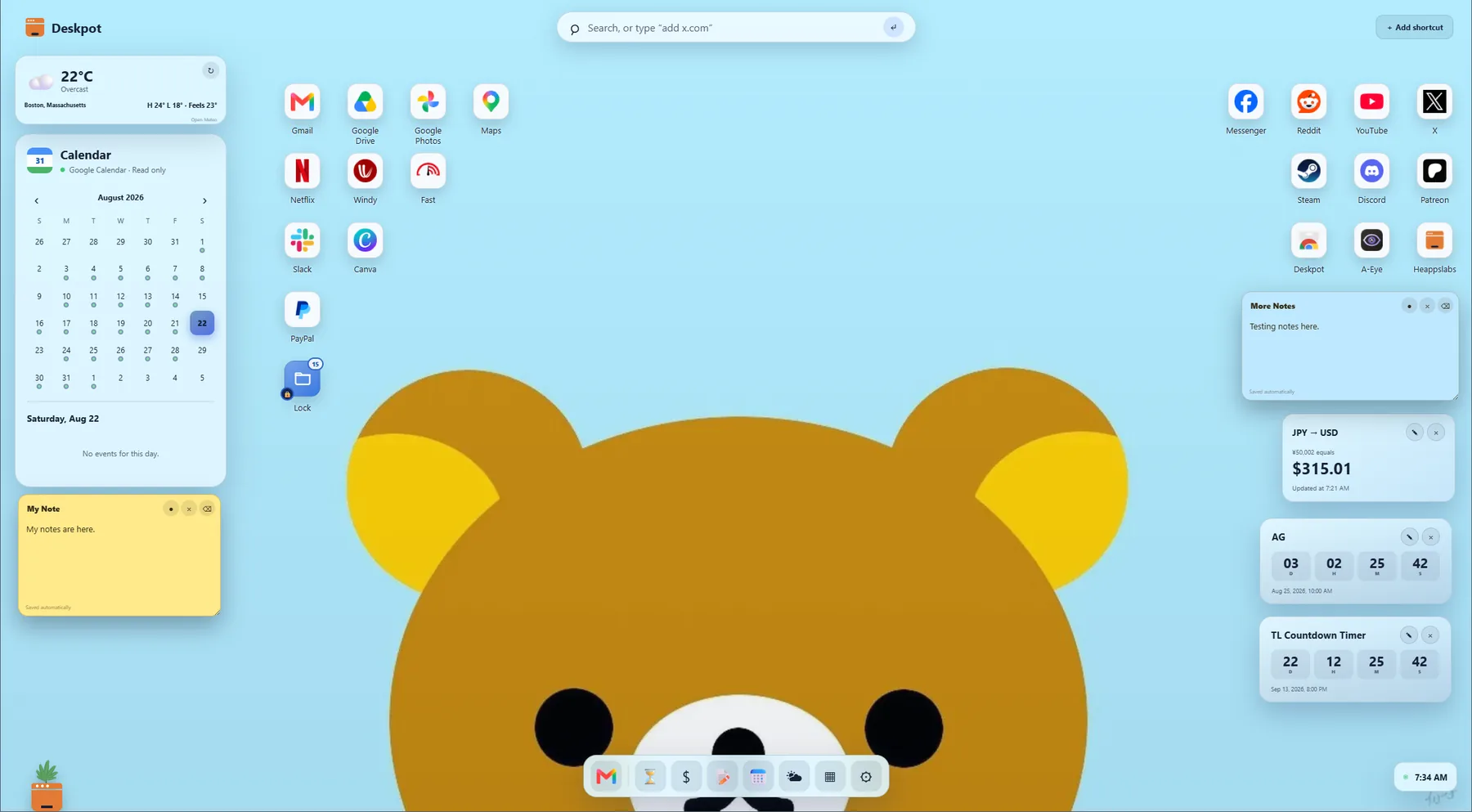
One speed dial. Completely different desktops.
WHY DESKPOT EXISTS
“I like speed dials, but I wanted more.”Deskpot developer · Heapps Labs
A PERSONAL WEB DESKTOP
Quick links are only the beginning.
A basic speed dial helps you launch websites faster. Deskpot keeps that simple benefit while giving your Chrome New Tab page the organization and personality of a desktop. It is designed for people who want speed without giving up useful context, flexibility, or calm.
If you are comparing a Speed Dial 2 alternative, a new tab speed dial, or visual bookmarks for Chrome, Deskpot keeps familiar quick access inside a more flexible desktop-style workspace.
- Use Deskpot without creating a Deskpot account.
- Keep your desktop setup stored locally in Chrome.
- Connect Google Calendar or private Google Drive backup only if you choose.
- Start with a useful free version and upgrade only if you need more.